
Find the broken MCP server
before your agent does.
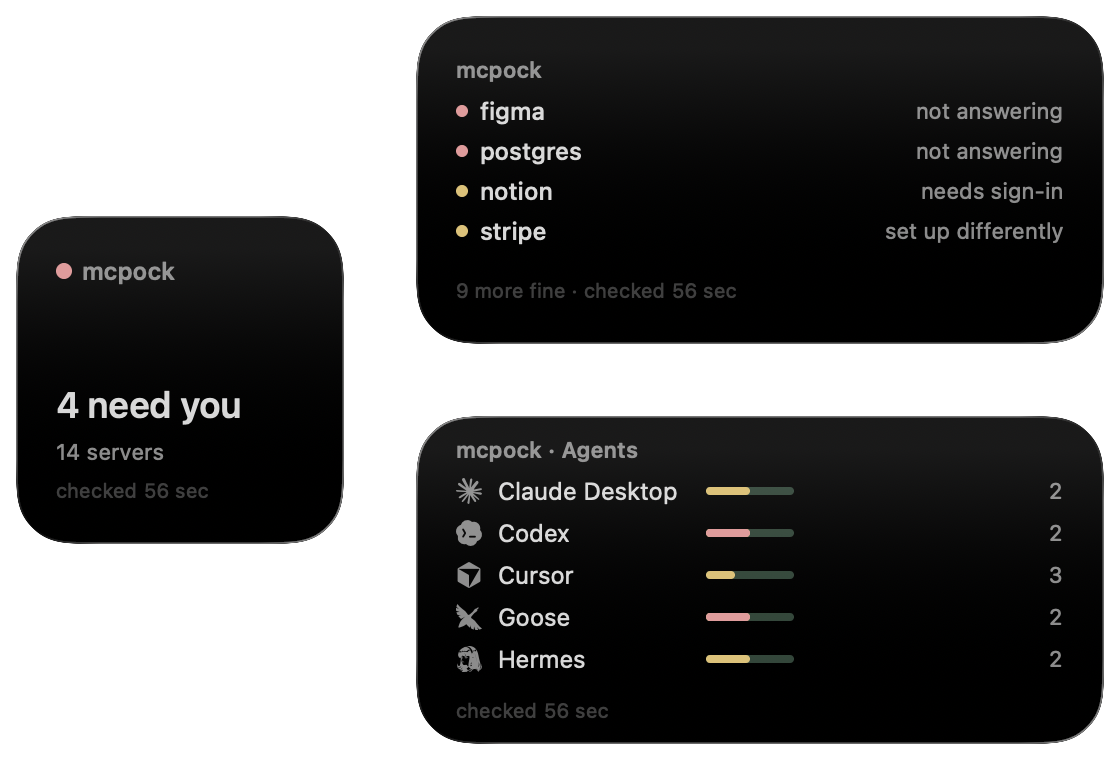
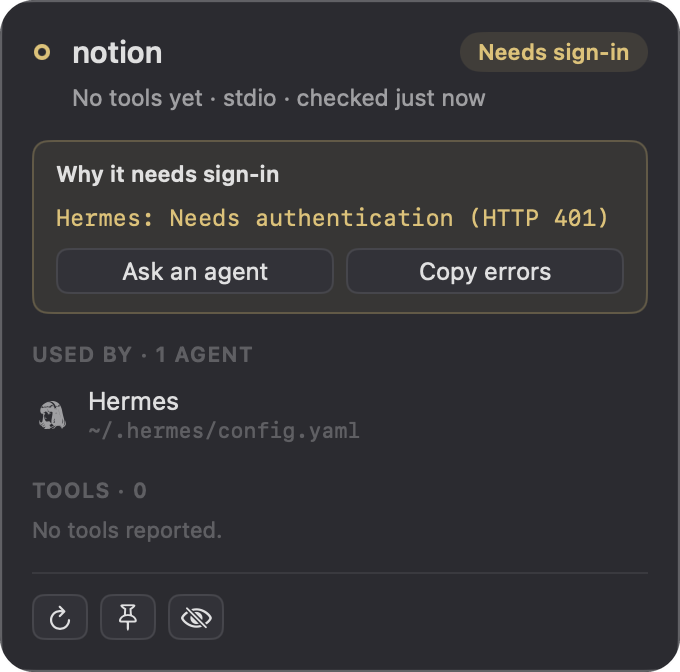
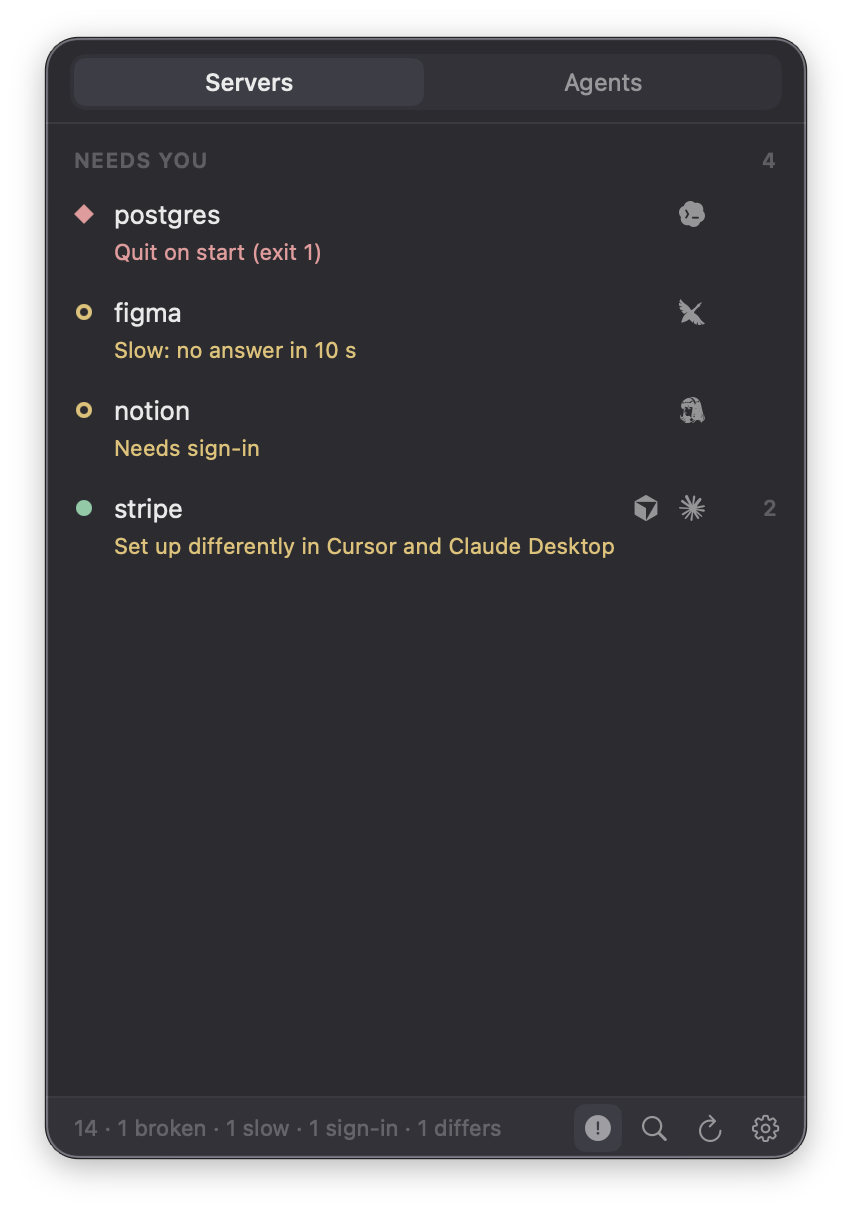
A small Mac menu bar app that tells you which MCP servers your AI agents can't use: broken, slow, waiting for sign-in, or set up differently.

Works with the agents you already use
- Claude Code
- Cursor
- Hermes
- Codex
- Grok
- Grok Bot
- Antigravity
- Claude Desktop
- Goose
- Windsurf
- Gemini CLI
- GitHub Copilot
- Kiro
- Cline
- OpenCode
- Junie
- LM Studio
- Trae
- Qwen Code
- Tinycast
- Kimi Code
- MiniMax
Your agents lean on a dozen small servers. When one breaks, the agent just fails.
mcpock checks them all, the way each agent would, and tells you which one needs you.
Try itClick a server, or an agent and then a server. Its card opens, just like in the menu bar.

New in 1.13
Next step
Every reason says what to do about it, for you and for your agent, in the same words.
A fix turns green by itself
Save the config and mcpock checks that server within seconds. It still only reads.
Smaller
Two numbers in the footer, three ways to copy, and Usage counts off until you want them.
Free
No account, no subscription.
Private
Reads your configs on your Mac. Talks only to your own servers, and to mcpock.com for updates.
Agents can ask too
Its own MCP server lets an agent check before it starts.